01
The alarm that keeps coming back
Until you tap 'Taken', Pillo stays in it. The full-screen alarm restarts every time the clock runs out. It can't quietly disappear.

Pill Reminders
Pillo starts a countdown and comes back until you confirm the dose.
Download app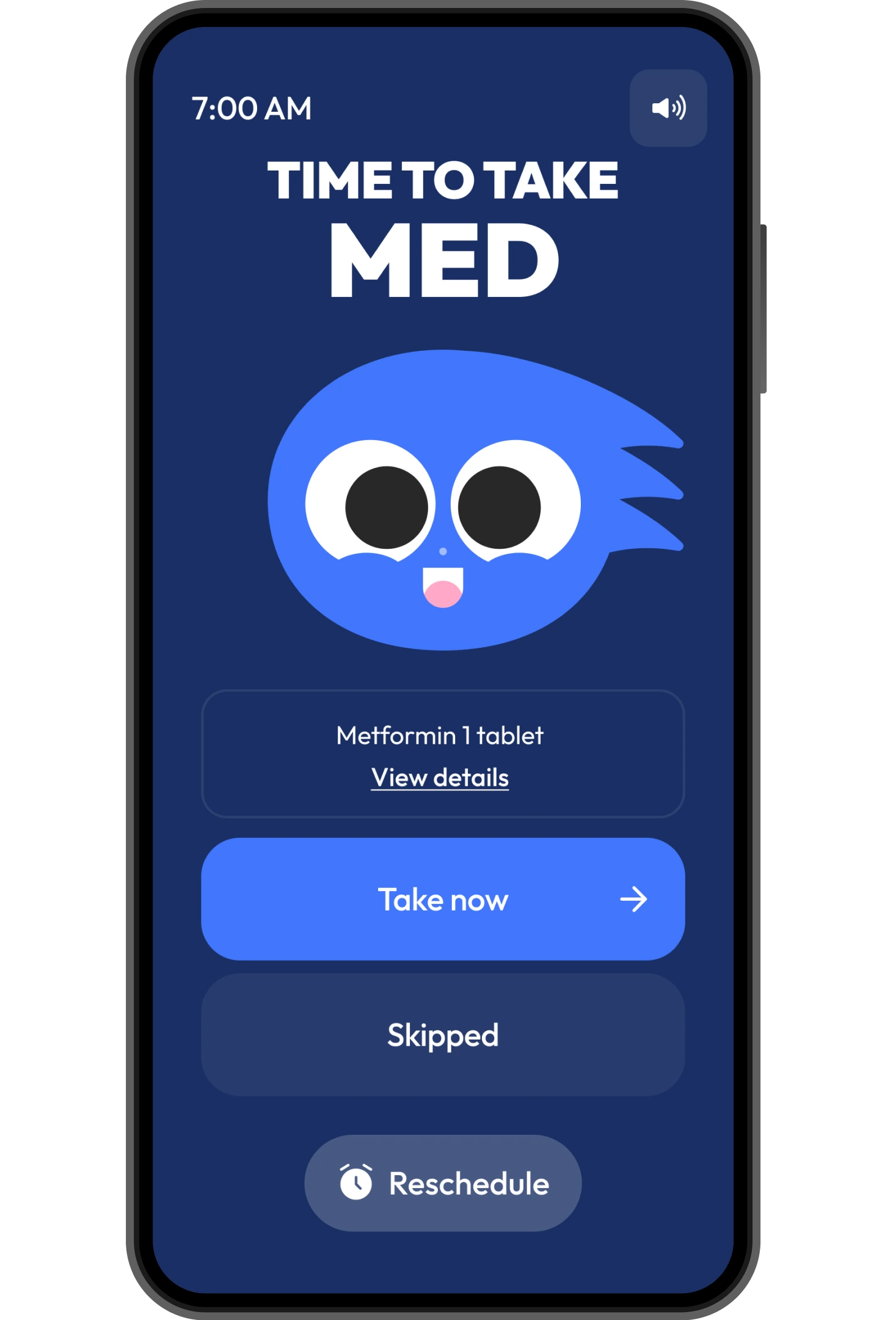
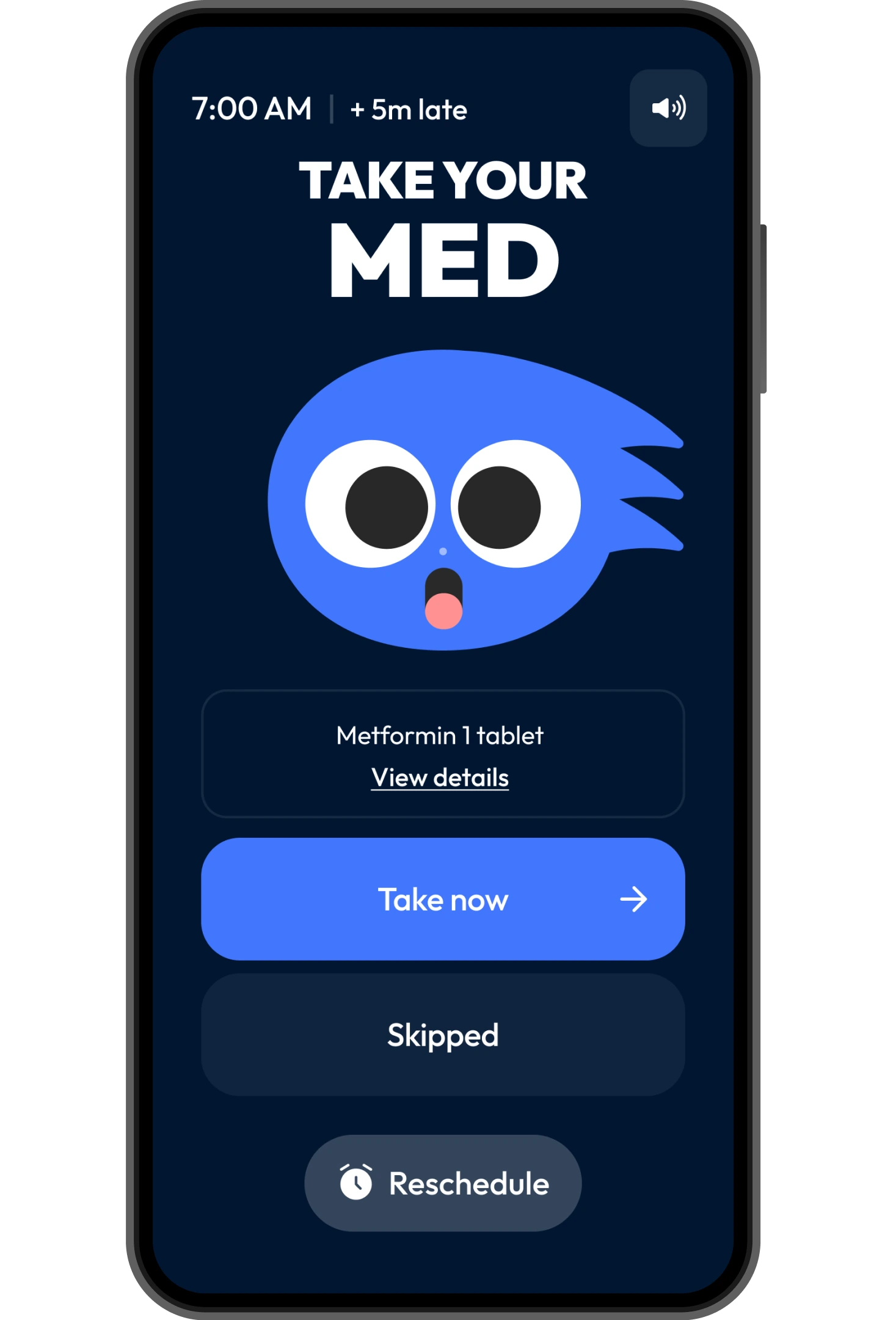
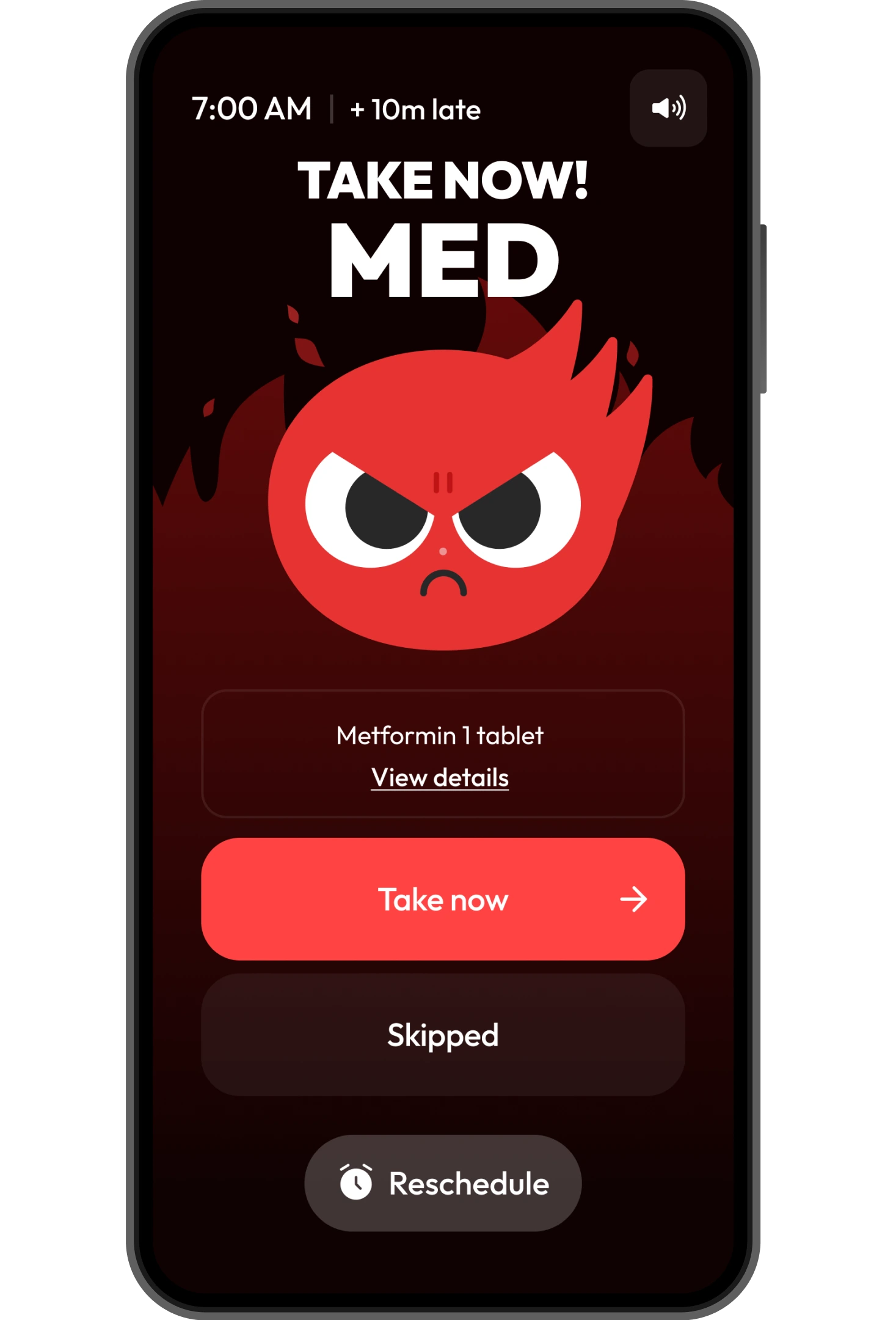
Four steps, from the first ring to the last confirmation tap.
01
Until you tap 'Taken', Pillo stays in it. The full-screen alarm restarts every time the clock runs out. It can't quietly disappear.
02
After the alarm rings, a timer starts. Your character stays calm at first, then gets annoyed, then angry. The longer you wait, the harder it gets to ignore.
03
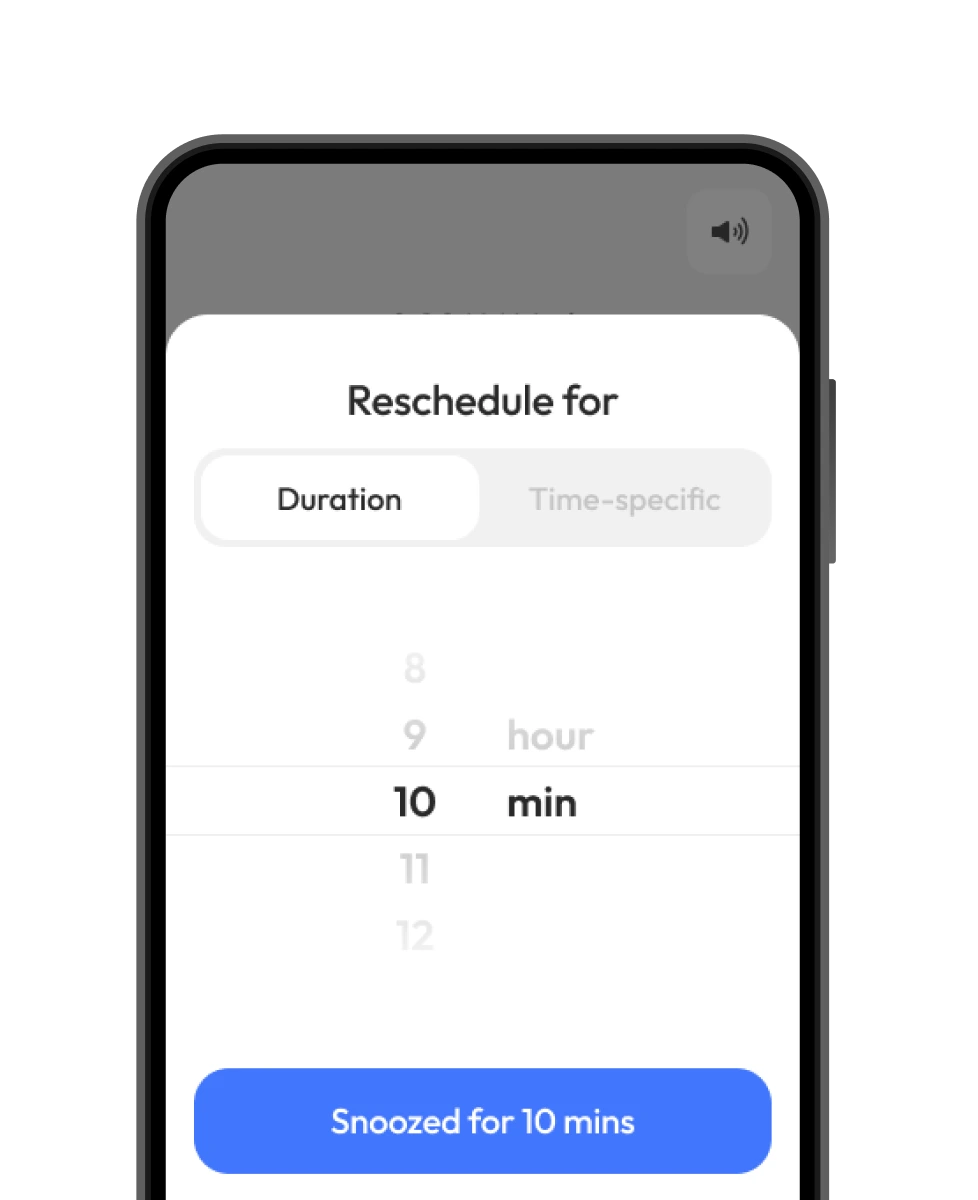
Can't take it now? Pick a duration, a specific time, or snooze until you arrive somewhere. The dose stays pending and Pillo will be back.
04
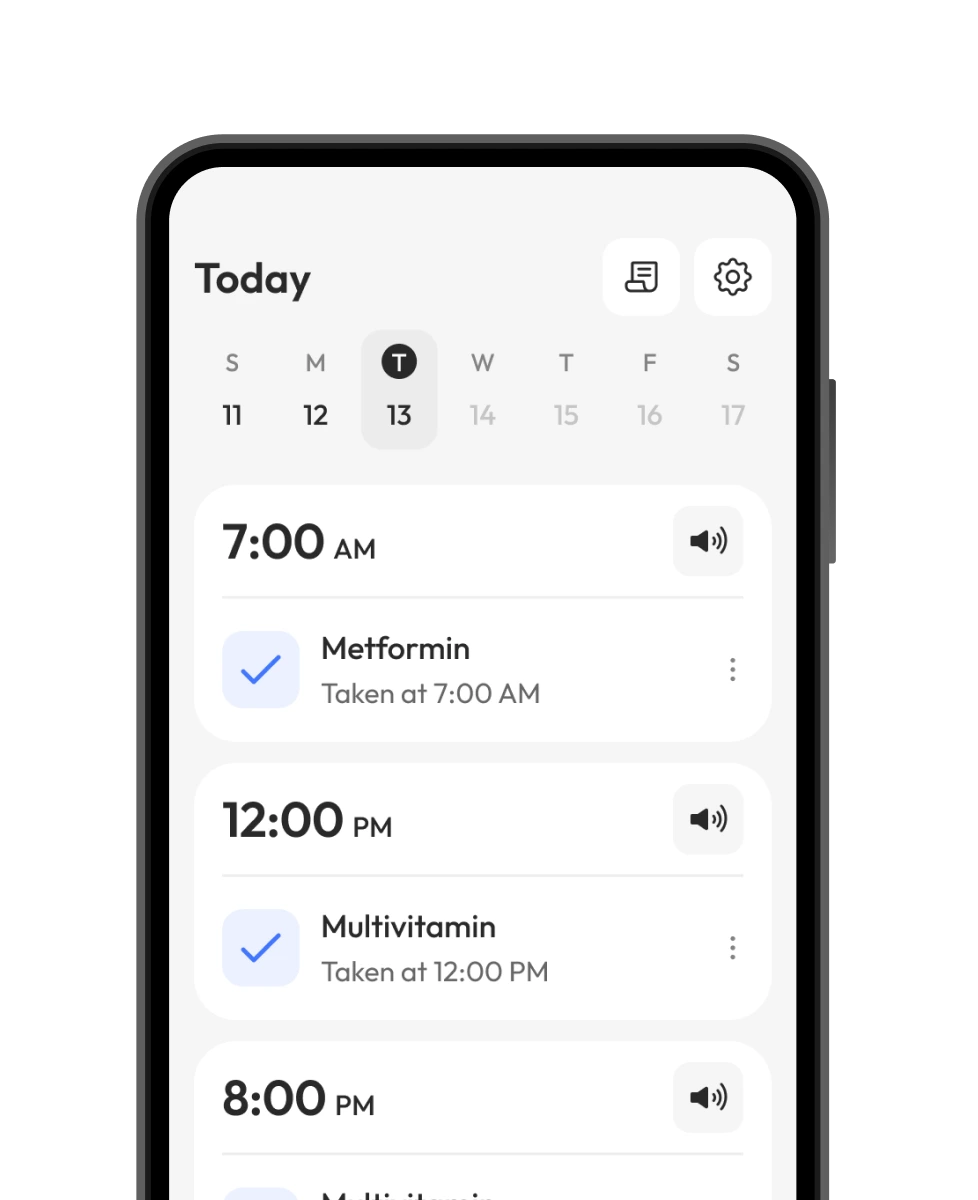
One tap confirms the dose. It's timestamped and permanent. You'll never wonder if you took it or not.
Pillo detects when you can't respond and handles it before you have to think about it.
Speed above 15 mph detected. Alarm silenced and rescheduled automatically. A notice appears so you know it was handled, not missed.
Active call detected. Alarm goes quiet and reschedules for after you hang up. No fumbling, no missed doses.
3 minutes before the alarm, Pillo sends a quiet heads-up: tap to snooze if you're busy. You decide before the interruption, not during it.
Snooze until you arrive somewhere. Save Home, Work, or any address, then choose it when the alarm fires. Pillo triggers the reminder the moment you get there.

Scan the QR code
with your phone camera


