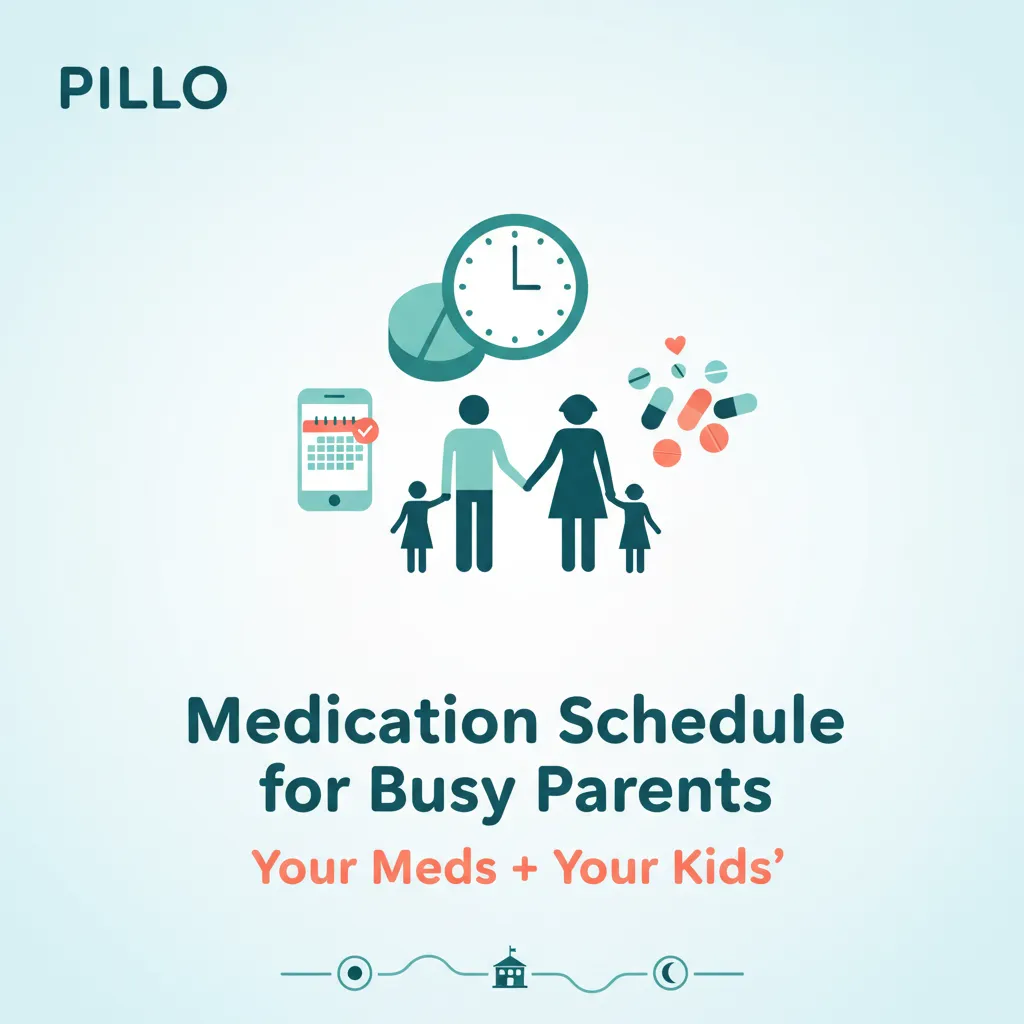
The best medication schedule for busy parents anchors each dose to a routine you already have, like morning coffee, school drop-off, or bedtime stories. Pair those routine anchors with a persistent reminder app and a simple family tracking system, and you can manage everyone's medications without losing your mind.
A free medication reminder app takes the mental load off a busy household.
Why parents skip their own meds first
Most parenting articles skip over this: when life gets hectic, your medications are usually the first thing you drop. The kids get their doses. The dog gets fed. Your blood pressure pill? Still sitting on the counter at 2 PM.
It is more common than you think. According to the World Health Organization, only about 50% of people with chronic conditions take their medications as prescribed in developed countries. Layer on parenting, and those numbers get worse.
Research from the National Academies found that among dementia caregivers, nearly one-third frequently or occasionally miss their own medication doses, and almost half skip their own healthcare appointments. If it is that bad for one type of caregiving, imagine adding kids' schedules on top. When you are focused on everyone else's health, yours falls off the radar.
The numbers keep growing, too. An AARP national survey found that roughly 63 million Americans are now caregivers, a nearly 50% increase since 2015. About 29% of them are "sandwich generation" parents raising children while also caring for an adult family member. That is a lot of medications to track for a lot of people who are not tracking their own.
On top of that, 78% of caregivers report burnout. That burnout shows up in real ways: as the National Academies research noted, caregivers skip their own medications, miss doctor appointments, and neglect their personal health. Breaking that cycle takes a system that works for the whole family, you included.
How to build a family medication schedule in 5 steps
The key to managing family medications is not willpower. It is structure. Forgetfulness is one of the most common reasons people miss doses, and the best fix is anchoring each medication to an existing routine.
Here is how to set it up.
Step 1: List every medication for every family member
Grab a piece of paper or open a notes app. Write down every medication, vitamin, or supplement for each person in the household, including yourself. Note the dose, the time of day, and whether it needs food.
Most parents have never seen the full picture in one place. Just making the list can change how you think about the daily load.
Step 2: Map medications to routines you already have
Instead of setting random alarms for 8:00 AM or 2:00 PM, tie each dose to something that already happens:
- Morning coffee or breakfast: your thyroid medication, the kids' ADHD medication, daily vitamins (learn when to take vitamins for best absorption)
- After-school snack: midday antibiotics for a child, your afternoon dose
- Dinner prep: evening medications that need food (learn more about taking medication with food)
- Bedtime routine: blood pressure medication, kids' allergy meds, melatonin
When a dose is linked to an activity rather than a clock time, you are far less likely to forget it. If you need to adjust your medication timing to match family routines, talk to your pharmacist first. Many medications have flexible timing windows.
Step 3: Use a sample family medication schedule
Here is what a realistic family medication schedule might look like:
| Time | Routine Anchor | Parent (You) | Child 1 | Child 2 |
|---|---|---|---|---|
| 7:00 AM | Breakfast prep | Thyroid med (empty stomach, before eating) | ADHD medication | Allergy tablet |
| 7:30 AM | Eating breakfast | Blood pressure med (with food) | Multivitamin | — |
| 3:30 PM | After-school snack | — | Antibiotic (if prescribed) | — |
| 6:30 PM | Dinner | Evening medication | — | — |
| 8:30 PM | Bedtime routine | Cholesterol med | Allergy nasal spray | Melatonin |
Adjust the times to match your family's actual rhythms. The point is not perfection but consistency. Even if breakfast is at 7:15 some days and 7:45 on others, the routine anchor (breakfast) stays the same.
Step 4: Prep the night before
Chaotic mornings are the enemy of medication adherence. Spend two minutes each evening setting out the next day's medications:
- Fill a weekly pill organizer for yourself (and separate ones for each child if needed)
- Pre-measure liquid medications for younger kids
- Put medications next to something you will definitely grab, like your coffee mug, lunchbox, or car keys
This one habit removes the "I forgot" problem before the morning rush even starts. If you are managing multiple medications across the family, the nightly prep makes a real difference.
Step 5: Set reminders that actually get your attention
Silent phone notifications do not work when you are breaking up a sibling argument while packing lunches and looking for someone's left shoe. You need reminders that persist until you take action, not ones that disappear into your notification tray.
A dedicated medication reminder app works better than a generic phone alarm here. Look for one that lets you track multiple people in one place and sends reminders that will not stop until acknowledged.
Tips for common parent medication scenarios
During the morning rush, lay out medications the night before. Take your own meds while the coffee brews, before the chaos starts. If you run late, many morning medications have a flexible window.
On weekends, keep the routine anchors the same even when the clock shifts. Breakfast is breakfast whether it happens at 7 AM or 9 AM on Saturday. The routine matters more than the exact minute.
If a child needs a midday dose during after-school activities, set a reminder on your phone for pickup time. Keep the medication in your bag (with proper storage) rather than relying on the child to remember.
For bedtime, tie medications to the first step of the bedtime routine, right before brushing teeth, every single night. Repetition builds the habit faster than any reminder.
And if you forgot whether you took your dose, you are in good company. Check our guide on what to do when you can't remember if you took your medication before doubling up.
Managing your kids' medications alongside your own
When your child starts a new prescription (here are tips for starting a new medication), add it to the family schedule right away. Do not rely on memory to "just fit it in."
Parents managing medications for multiple children face real challenges. Research shows that family size, parental stress, and resource constraints all affect a parent's ability to manage children's medications consistently. The more kids, the more you need a system, not just good intentions.
A few things that help: color-code pill organizers by family member (blue for you, pink for one child, green for another). Keep a medication list for each person in one place so you have it ready for doctor visits and pharmacy runs. And do a weekly check-in every Sunday evening where you check refill dates, count remaining pills, and note any schedule changes for the week ahead.
How Pillo helps busy parents stay on track
Pillo is a medication reminder app on Android that lets you manage your whole family's medications in one place.
You can add your children (or elderly parents) as separate profiles and set up each person's medications, schedules, and reminders individually. Everything lives on one screen instead of scattered across apps and sticky notes.
The persistent alarms are the part most parents care about. Pillo's reminders will not stop until you acknowledge them, so if a reminder fires while you are in the middle of packing lunches, it stays active until you deal with it. No more "I saw the notification but forgot to actually take it."
The app also tracks how many pills each family member has left and alerts you before anyone runs out, which means fewer last-minute pharmacy trips on a Tuesday night. It handles different medications, different times, and different days of the week for different people. And the home screen widget gives you a quick morning glance at who needs what today.
Download Pillo on Google Play and set up your family's medication schedule in about ten minutes.
FAQ
How do I remember to give my child medication at school?
If your child takes a midday dose, coordinate with the school nurse to keep medication on file at the school. For after-school doses, set a persistent reminder tied to pickup time on your phone. Keep a backup dose in your bag in case schedules shift. If the timing is flexible, ask your child's doctor about adjusting the schedule to avoid the school-hours gap entirely.
What if my medication time conflicts with my child's?
That actually works in your favor. Take your medications at the same time as your child's. Turn it into a family health habit. If your child sees you consistently taking your medication, it normalizes the behavior for them too. Just keep both doses clearly separated and labeled to avoid any mix-ups.
How do I manage medications for multiple kids with different schedules?
Color-coded pill organizers and a single tracking app with separate profiles per child are the two best tools. Map each child's schedule onto the family routine chart (see the sample schedule above) and do a weekly Sunday check-in to stay ahead of refills and schedule changes.
Is it safe to adjust medication times to fit our family routine?
For many medications, small timing shifts are fine, but always check with your pharmacist or doctor first. Some medications (like thyroid medications or certain antibiotics) have stricter timing rules. Others, like most blood pressure medications, have more flexibility. Your pharmacist can tell you exactly how much wiggle room you have.
What is the best app to track medications for the whole family?
Look for an app that supports multiple profiles (one per family member), sends persistent reminders that do not disappear, and tracks refill dates. Pillo checks all three boxes and lets you manage everyone from a single screen. See how it compares to other medication reminder apps.
This article is for informational purposes only and does not replace professional medical advice. Consult your doctor or pharmacist for advice specific to your medications.