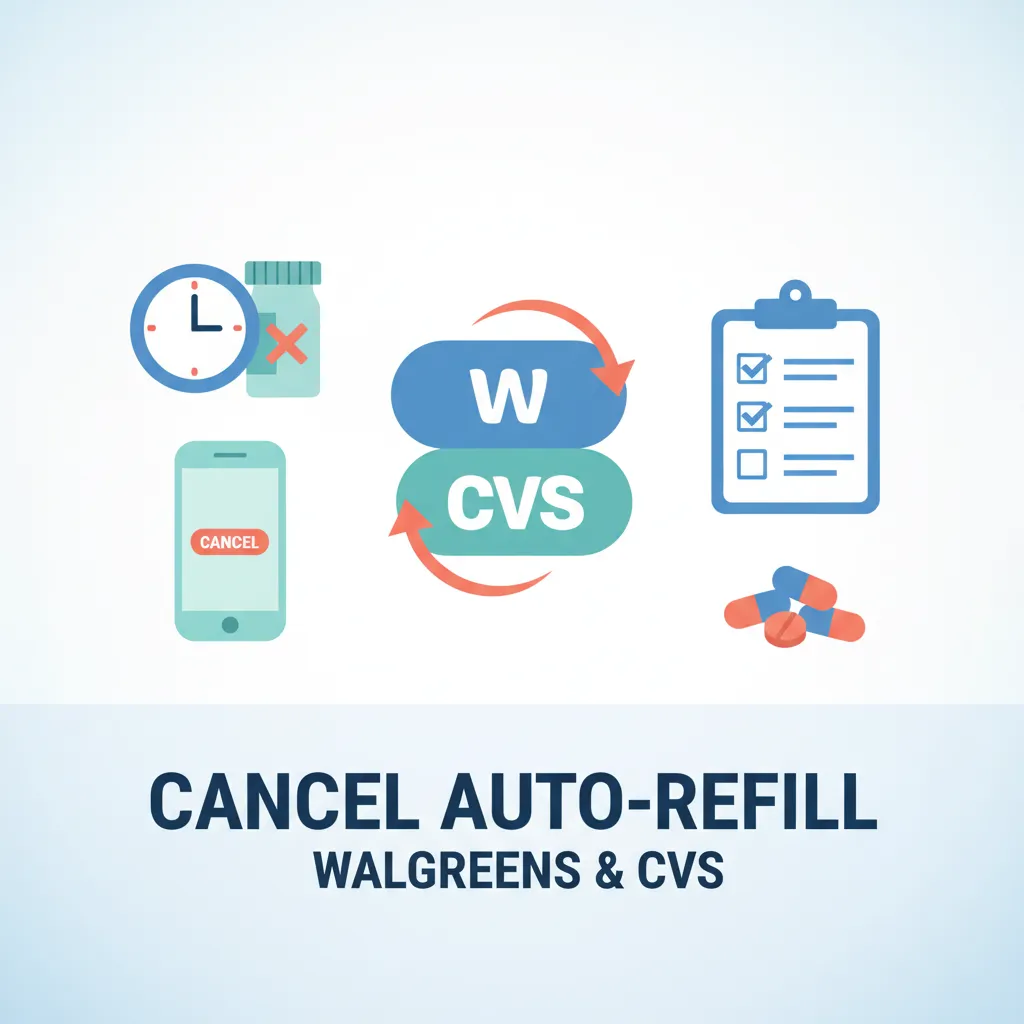
Cancel pharmacy auto-refill in two steps: sign into your pharmacy account online, then either turn off auto-refill per prescription or unenroll all at once. At CVS retail, toggle ReadyFill off. At Walgreens, manage Auto Refills under Prescriptions. Mail-order programs (Caremark, Walgreens Mail Service, CVS Specialty) use a separate process.
First: Should You Actually Cancel?
Most "how to cancel" articles assume cancellation is the goal. It is not always the right move. The largest study of auto-refill outcomes, Matlin et al. 2015 in the American Journal of Managed Care, tracked 254,358 patients across 11 therapeutic classes. They found auto-refill enrollment improved medication possession ratio by 3 percentage points for 30-day supplies and 1.4 points for 90-day supplies, while reducing days of excess medication on hand. For stable maintenance therapy, the data favors staying enrolled.
But auto-refill is a poor fit in specific situations. Run through this checklist before you cancel:
| Reason to cancel | Why |
|---|---|
| Your dose changed recently | Old prescription strength may still ship |
| Your doctor discontinued the medication | You will keep paying for refills you do not need |
| You take it as needed (PRN), not daily | Auto-refill assumes daily use and will overstock |
| You lost insurance coverage | Cash price will hit without warning |
| You are switching pharmacies (chain to mail-order, etc.) | Avoid duplicate shipments and double-billing |
| You have a stockpile already | Use up what you have before refilling |
| You are switching to medication synchronization | Med sync replaces auto-refill with one monthly pickup |
If none of the above applies and your prescription is a stable daily maintenance med, the Matlin data above favors leaving auto-refill on. State Medicaid programs disagree (we cover that nuance below), but for commercial-insurance patients on chronic meds, the evidence is on the side of staying enrolled.
How to Cancel at Walgreens
Walgreens calls it Auto Refills. Cancellation goes through your online account.
- Sign into your Walgreens account at walgreens.com
- From the Account Home page, open the menu (top left) and click Prescriptions
- Select Auto Refills
- Find the prescription you want to remove and cancel auto-refill for that item
The Walgreens auto-refill help page notes you should "contact us three weeks before your next refill date" to cancel or change. If a refill is already in queue and within the three-week window, it may still ship.
You can also cancel in person. Walk into your local Walgreens pharmacy and ask the staff to unenroll the prescription.
How to Cancel CVS Retail (ReadyFill)
CVS retail auto-refill is called ReadyFill. It is separate from CVS Caremark mail-order. Per-prescription and bulk unenrollment both exist.
Per prescription:
- Sign into your CVS account at cvs.com
- Open the Pharmacy Home page
- Toggle auto refill off for each prescription you want to remove
Unenroll all at once:
- Go to Pharmacy Settings → Prescriptions Options
- Open the Manage auto refills tile
- Select Self-managed refills
- Save
The CVS refill help page covers both flows. In-store cancellation is also available. Talk to the pharmacy team member at your local CVS.
How to Cancel CVS Caremark Mail-Order
CVS Caremark is the mail-order pharmacy that comes with many insurance plans. Its Automatic Refill Program (ARP) is separate from retail ReadyFill, and cancellation uses a different process.
Two options:
- Call Caremark customer service (the number is on your member card)
- Submit the cancellation form: download and complete the Caremark Auto Refill Order Cancellation Form, then return it as instructed on the form
If you are switching from Caremark mail-order back to retail, also revisit your insurance plan's mail-order requirement. Some plans require mail-order for 90-day supplies, so canceling Caremark ARP may push you back to 30-day retail refills with higher copays.
How to Cancel CVS Specialty Auto-Refill
If you take a specialty medication (biologics, injectables for chronic conditions, certain oral oncology drugs), CVS Specialty likely manages it through its own Easy Refill program. This is separate from both retail ReadyFill and Caremark mail-order. Patients on multiple Rx types often miss this.
Per the CVS Specialty Easy Refill terms, cancellation runs through the CVS Specialty patient portal or by calling their dedicated phone line (printed on your prescription packaging).
Important: do not assume canceling ReadyFill cancels Specialty. They are run by different parts of CVS Health.
Cross-Pharmacy Cancellation Comparison
| Pharmacy | Program Name | Cancel Method | Advance Notice | In-Store Option |
|---|---|---|---|---|
| Walgreens Retail | Auto Refills | Account → Prescriptions → Auto Refills | 3 weeks before next refill | Yes |
| CVS Retail | ReadyFill | Pharmacy Home toggle, or Pharmacy Settings bulk unenroll | Before next fill cycle | Yes |
| CVS Caremark | Automatic Refill Program (ARP) | Form (PDF) or phone customer service | Before next ship date | No (mail-order) |
| CVS Specialty | Easy Refill | Patient portal or specialty phone line | Before next ship date | No (specialty) |
If you fill at multiple pharmacy types (retail + mail-order, retail + specialty), you may need to cancel auto-refill in each program separately. That is the most common reason patients still receive unwanted shipments after they "canceled."
Controlled Substances Note
Schedule II controlled substances (Adderall, Vyvanse, Ritalin, oxycodone, Concerta) are not eligible for auto-refill in the first place. Federal rule 21 CFR 1306.12 states that "the refilling of a prescription for a controlled substance listed in Schedule II is prohibited." Each fill requires a new prescription from your prescriber. For more on this, see our guide to Adderall refill rules and the DEA Schedule II prescription rules.
This means if you have a mix of Schedule II meds and maintenance meds at one pharmacy, your "cancel auto-refill" decision only affects the maintenance side. The Schedule II Rx is already manual every time.
Why Some States Banned Auto-Refill Anyway
Despite the Matlin 2015 research, 27 state Medicaid programs prohibit auto-refill, according to the Missouri HealthNet auto-refill FAQ. Missouri's stated reason: "MO HealthNet based the decision to ban automatic refill programs (aka autofill) on waste created by these programs and the potential harm to patients."
The state Medicaid concern is real for specific populations: patients whose meds change frequently (cancer treatment, geriatric polypharmacy, mental health titration). For those situations, the chance of refilling a discontinued or wrong-strength med outweighs the adherence benefit.
If you fit one of those populations, the medication-synchronization model (pharmacy contacts you once a month to confirm before refilling) is the middle path. Most major chains offer it.
After You Cancel: The Manual Reminder System
The reason auto-refill exists is that humans forget. The Matlin study showed enrollment lifted adherence; canceling pulls that lift back down unless you replace it with something. The basic options:
- Pharmacy text alerts for "time to refill" reminders (passive: easy to ignore)
- Calendar reminder on your phone (works if you actually act on it)
- A medication reminder app with persistent alarms that do not stop until you confirm
Pillo sends a persistent alarm at refill time that keeps firing until you log the action, which is the behavior model auto-refill replaces. If you are canceling because of overstock or dose changes (not because you want to manage refills yourself), the manual system needs to be set up before you cancel, not after.
For related pharmacy decisions, see mail-order vs retail pharmacy, 90-day vs 30-day prescriptions, and what to do when you run out of medication before your refill. If you need an early fill for travel, our vacation override guide covers the process.
Frequently Asked Questions
How long does it take to cancel auto-refill at Walgreens?
You can submit the cancellation immediately in your online account, but Walgreens asks for three weeks of advance notice. If your next refill is already inside that window, it may still ship before cancellation takes effect. Plan ahead if you want to avoid one final unwanted refill.
Can I cancel auto-refill on just one prescription, or do I have to unenroll everything?
Per-prescription cancellation is supported at both Walgreens and CVS. CVS also has a bulk option ("Self-managed refills") if you want to unenroll all prescriptions at once. Caremark mail-order is per-prescription via the cancellation form or phone call.
What happens to my auto-refill if I switch pharmacies?
It does not transfer. Canceling auto-refill at Walgreens does nothing to CVS, and vice versa. If you transfer a prescription to a new pharmacy, the new pharmacy's auto-refill is opt-in. You will not be enrolled unless you sign up.
Are controlled substances ever on auto-refill?
Schedule II prescriptions (Adderall, Vyvanse, Ritalin, oxycodone) cannot be refilled at all per 21 CFR 1306.12. Schedule III and IV controlled substances may be refilled up to 5 times within 6 months per 21 CFR 1306.22, but pharmacy auto-refill eligibility for them varies by chain and prescription type. Ask your pharmacy directly.
Will my doctor know I canceled auto-refill?
Not automatically. Your prescriber does not receive a notification when you change refill settings. If you canceled because you stopped taking the medication, tell your prescriber at your next visit so they can update their records.
What is the difference between auto-refill and medication synchronization?
Auto-refill ships your prescription on a schedule whether or not you confirm. Medication synchronization aligns all your prescriptions to the same monthly pickup date, but the pharmacy calls you before refilling to confirm dose, changes, and discontinuations. Sync is the middle path between full auto-refill and fully manual refills.
Can I sign back up for auto-refill later?
Yes. Re-enrollment is available at any time through the same account settings. There is no penalty or waiting period.
A Quick Note
This article covers the cancellation mechanics for the most common US pharmacy programs as of 2026. Pharmacy account interfaces change; if a navigation step is different in your account, the in-store option (Walgreens, CVS retail) or customer service phone line (Caremark, CVS Specialty) is the fallback. For decisions about whether to cancel a specific medication's auto-refill, talk to your prescriber or pharmacist.